TrueType, OpenType and Type 1 and What Sets Them Apart
Spend any time managing fonts and you will run into a small alphabet soup of file extensions: .ttf, .otf, .pfb and a few others. Most people treat them as interchangeable, and much of the time that assumption works. But the formats behind those extensions have real histories and real differences, and understanding them helps you make better decisions about which fonts to install, why some behave differently from others, and what your font manager is actually reading. Fontmatrix, for instance, handles TrueType, OpenType and Type 1 fonts, and knowing what each one is makes the whole system far less mysterious.
Type 1, the elder statesman
The oldest of the three formats, Type 1, dates from the early era of desktop publishing and digital printing. It was the format that helped make high-quality typesetting possible on personal computers, and for years it was the professional standard, especially in print. Type 1 fonts describe their letterforms using a particular kind of mathematical curve and were tightly bound up with the printing technology of their day. On many systems these fonts appear with a .pfb extension, sometimes accompanied by additional files carrying metric information.
Today Type 1 is very much a legacy format. It has been superseded by newer designs that do everything it did and more, and modern software and even font foundries have steadily moved away from it. You are most likely to encounter Type 1 fonts in older collections, archived documents or long-standing professional libraries rather than in anything newly released. A capable font manager still needs to read the format so those older fonts remain usable and previewable, but for new work there is rarely a reason to choose Type 1 over its successors. It is best understood as an important ancestor whose lineage lives on in the formats that replaced it.
TrueType, the everyday workhorse
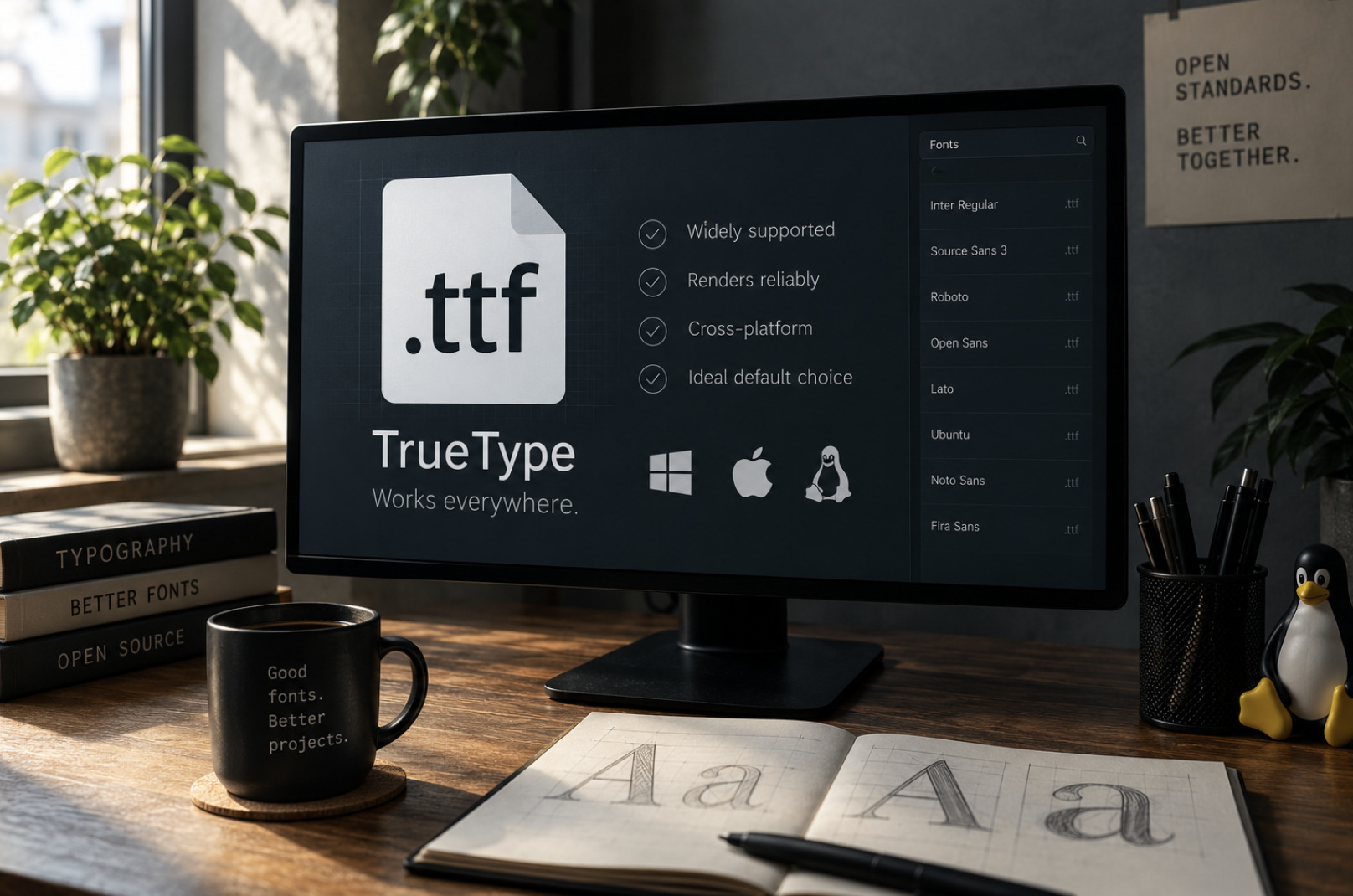
TrueType arrived as an alternative to Type 1 and grew into the format most people have encountered without realising it. Its files carry the familiar .ttf extension, and for decades it has been the default font format across mainstream operating systems. TrueType describes letterforms with a different type of curve than Type 1, and one of its notable strengths was a sophisticated system for "hinting" — instructions that tell the computer how to render a font cleanly at small sizes on a screen, where every pixel counts.
For most users, TrueType is simply the format that works everywhere. The vast majority of freely available fonts come as .ttf files, support for them is universal, and they render reliably across systems. On Linux they are thoroughly supported and integrate cleanly with the system's font handling. If you download a font and it arrives as a .ttf, you generally need not think any further about the format; it will install and display without fuss. TrueType's ubiquity is precisely why it remains the safe, unremarkable default — the format you reach for when you just want a font to work.
OpenType, the modern standard
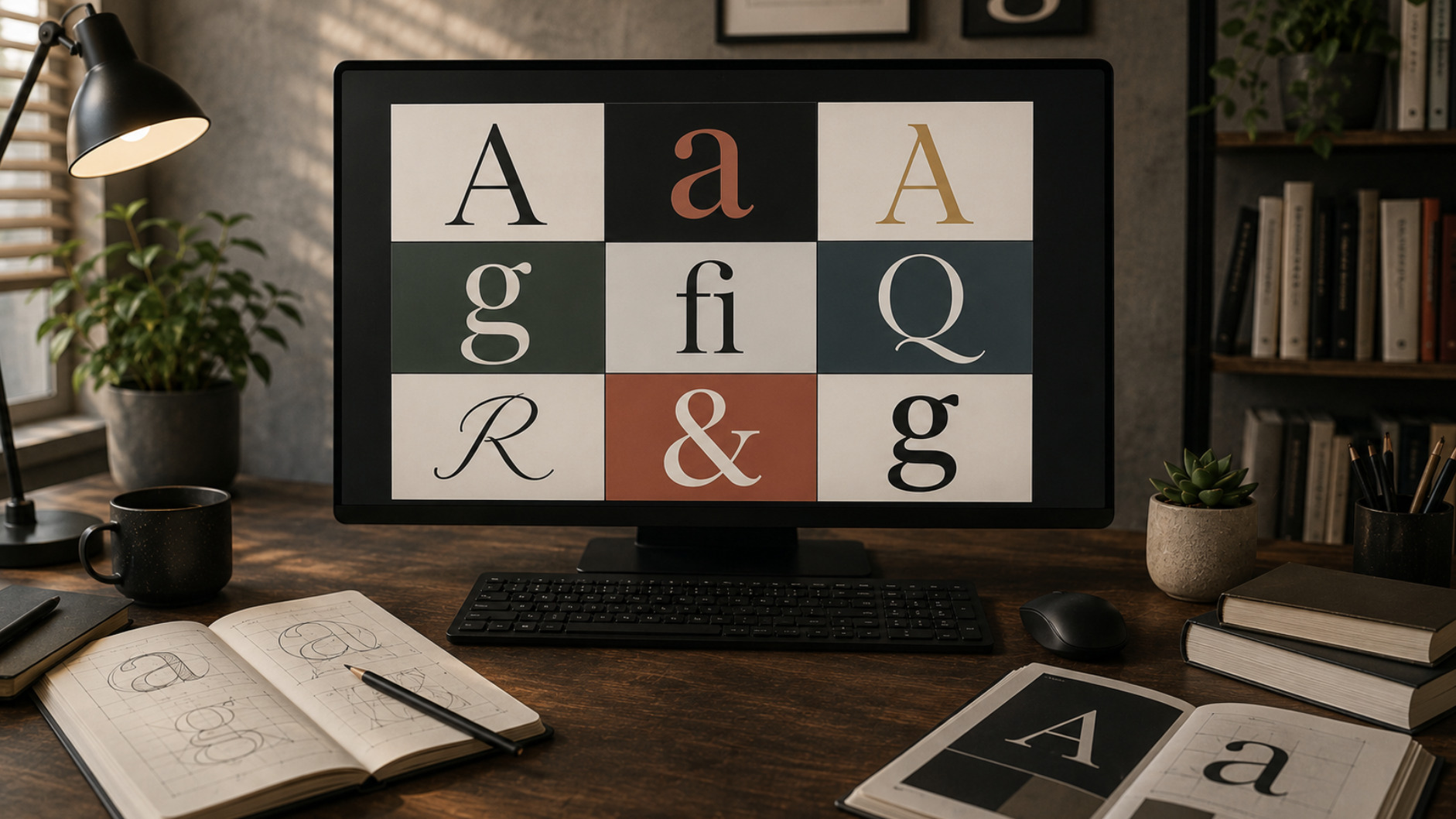
OpenType is the newest of the three and, in an important sense, a unifying one. Rather than replacing everything that came before, it was built to encompass earlier technology, which is part of why it has become the format of choice for contemporary type. An OpenType font, usually carrying the .otf extension, can hold a great deal more than a basic set of letters. It was designed to support very large character sets in a single file, making it well suited to fonts that cover many languages, and it can be used across different operating systems from the same file.
What really distinguishes OpenType, though, is its support for advanced typographic features. A single OpenType font can contain alternate letterforms, true small capitals, a range of ligatures, stylistic sets, proper old-style figures and more, all selectable by software that knows how to ask for them. This is why designers and typography enthusiasts gravitate toward it: an OpenType font is less a fixed alphabet than a toolkit of typographic options. For anyone who cares about fine control over how text looks, OpenType is generally the format to prefer, and it is where most serious new type is released today.
Which format should you actually use
With the history in hand, the practical guidance is refreshingly simple. For new fonts and new work, OpenType and TrueType are both excellent and widely supported, and you rarely need to agonise over the choice between them. If a font is available as OpenType and you care about advanced typographic features, that is the version to take. If it comes as TrueType, that is perfectly fine too, and for everyday use the difference will often be invisible. Both are first-class citizens on Linux and will serve you well. Type 1, by contrast, is worth keeping only for legacy reasons — old fonts you still need — rather than choosing for anything new.
Where this knowledge really pays off is in managing a mixed library. A serious collection accumulated over time will contain all three formats, and a font manager that reads them all lets you preview and organise everything in one place regardless of extension. Being able to inspect a font's metadata and see how it renders matters more than the format label itself; a beautiful TrueType font is better than a mediocre OpenType one. If you want your fonts to look their best once installed, the format is only part of the picture, and our guide on rendering fonts sharply on Linux covers the rest.
The formats behind the fonts
The extensions .ttf, .otf and .pfb are not arbitrary; they mark three chapters in the history of digital type. Type 1 pioneered high-quality digital typesetting and now lives on mostly in legacy collections. TrueType became the dependable everyday standard that works everywhere. OpenType built on both to become the flexible, feature-rich format of modern typography. Knowing which is which turns a confusing jumble of file types into a clear picture of what each font can do and why it behaves as it does.
For most people, the takeaway is reassuringly practical: prefer OpenType when you want typographic power, accept TrueType happily for general use, and treat Type 1 as a legacy you occasionally need to support. A good font manager reads them all, so your library can hold every format side by side while you get on with the real work of choosing and using type. The formats are the plumbing; understanding them just means you are never surprised by what comes out of the tap.