Variable Fonts on Linux — What They Are and How to Work With Them in Fontmatrix
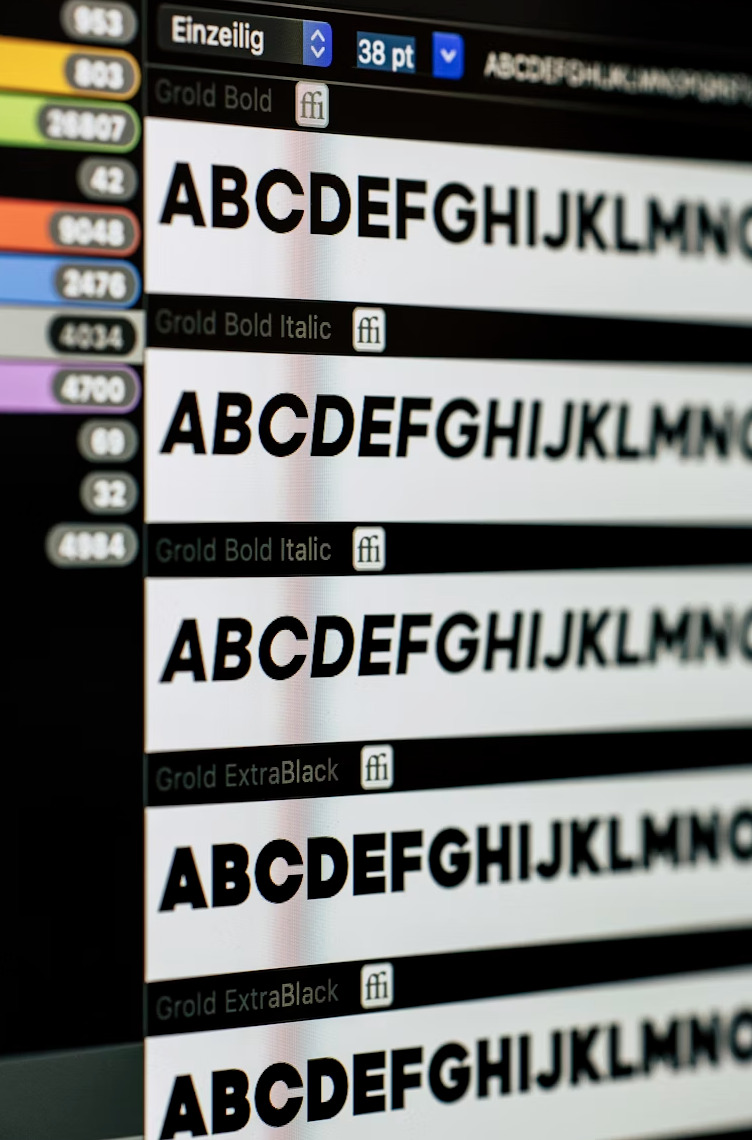
A variable font is a single font file that contains an entire type family as a continuous design space, rather than as a collection of separate static instances. Where a traditional type family ships as separate files — Light, Regular, Medium, SemiBold, Bold, ExtraBold, Black, plus italics — a variable font ships as one file that can render any point along those axes, and often several additional dimensions of variation that static fonts cannot express at all.
For Linux users managing font libraries in Fontmatrix, variable fonts are increasingly common — Inter ships as a variable font, as does Recursive, Fraunces, and a growing portion of the high-quality free typefaces released in the last five years. Understanding what they are, how they work in fontconfig, and what Fontmatrix shows you when you inspect them will save time and prevent the confusion that comes from expecting traditional font behaviour from a different file format.
The Technical Structure
A variable font is an OpenType file (.ttf or .otf) that includes a set of registered design axes, each with a minimum value, a maximum value, and a default. The four most common axes and their four-letter tags are:
wght — Weight, from Thin (100) to Black (900)
ital — Italic, typically 0 (upright) to 1 (italic)
opsz — Optical Size, the size in points for which the design is optimised
wdth — Width, from Condensed to Extended
Beyond these registered axes, foundries can define custom axes with arbitrary tags. Recursive, for example, includes a MONO axis (interpolating between proportional and monospace) and a CASL axis (interpolating between a linear geometric style and a casual script style). These custom axes let a single font file span design territory that would require multiple separate families in the static format.
The design space is anchored by named instances — predefined axis combinations with human-readable names like "Bold," "Light Condensed," or "Display Black." Applications and operating systems that do not support axis-level control can still access these instances by name, maintaining backward compatibility.
How Fontconfig Handles Variable Fonts
On Linux, the font rendering stack runs through fontconfig, which indexes fonts by family name and style descriptors. Variable fonts require fontconfig 2.13.1 or later to be properly indexed — earlier versions may recognise the file but expose only the default instance rather than the full axis range.
To check your fontconfig version:
bash
$ fc-query --versionWhen a variable font is installed, fontconfig creates synthetic entries for each named instance in the font's instance table. Running fc-list against an installed variable font will show these instances as separate entries:
bash
$ fc-list | grep "Inter"
/usr/share/fonts/truetype/inter/Inter-Variable.ttf: Inter:style=Regular
/usr/share/fonts/truetype/inter/Inter-Variable.ttf: Inter:style=Bold
/usr/share/fonts/truetype/inter/Inter-Variable.ttf: Inter:style=Light
# ...and so on for each named instance
Each entry points to the same file. The difference is the weight= and slant= metadata that fontconfig uses to select the appropriate instance when an application requests a specific style.
Installing Variable Fonts
The installation process for a variable font is identical to that for a static font. Copy the file to ~/.local/share/fonts/ for a user-local install or to /usr/share/fonts/ for a system-wide install, then run:
bash
$ fc-cache -fvThe -f flag forces a rebuild of the cache even if the font appears unchanged; -v gives verbose output so you can confirm the font was indexed correctly.
For Inter specifically, the recommended install method on Debian/Ubuntu is:
bash
$ sudo apt-get install fonts-interThis installs the variable font package maintained by the distribution and ensures it is tracked by the package manager. For fonts not in the distribution repositories, download the variable font .ttf directly from the project's GitHub releases page and install manually.
What Fontmatrix Shows You
When you load a variable font into Fontmatrix, the preview panel renders the default instance — the axis values specified as defaults in the font's fvar table. For Inter, this is Regular weight at the default optical size. For Recursive, this is the proportional, linear, regular weight default.
The Panose classification panel and the metadata inspector will display the font's full axis table if it is present in the fvar table of the OpenType file. This gives you the axis names, tags, minimum/maximum values, and the default, which is more informative than the style name alone.
For side-by-side comparison of variable fonts in Fontmatrix, load both fonts into the comparison panel and use the custom sample text field to test the characters most relevant to your use case. Numbers behave differently across variable fonts — Inter's tabular figures stay at fixed width across the weight axis; other fonts allow width variation. Testing with actual numerals and mixed-case text at your intended size is more useful than testing with "The quick brown fox" at display size.
A Note on Application Support
Not all Linux applications expose variable font axes in their font selection dialogs. LibreOffice, for example, accesses named instances through fontconfig but does not provide a slider for axis-level control. GIMP 2.10 and later has partial support. Web browsers — Firefox and Chromium both support the CSS font-variation-settings property — provide the most complete access to variable font axes in a Linux environment.
For design work that requires axis-level precision, the most practical approach on Linux is to use variable fonts through a browser-based tool or to specify axis values programmatically through CSS. For general use — documents, interfaces, terminal applications — the named instances accessed through fontconfig cover the majority of practical needs.
Variable fonts represent a meaningful improvement in how type families are distributed and managed. A single Inter variable font file replaces eighteen separate static files while delivering more flexibility and more consistent rendering across weight transitions. For a font library managed in Fontmatrix, that consolidation alone is worth the minor effort of understanding how variable fonts install and what the preview tool actually shows you.