Apple SF Pro and the Invisible System That Makes Every iPhone Feel Right
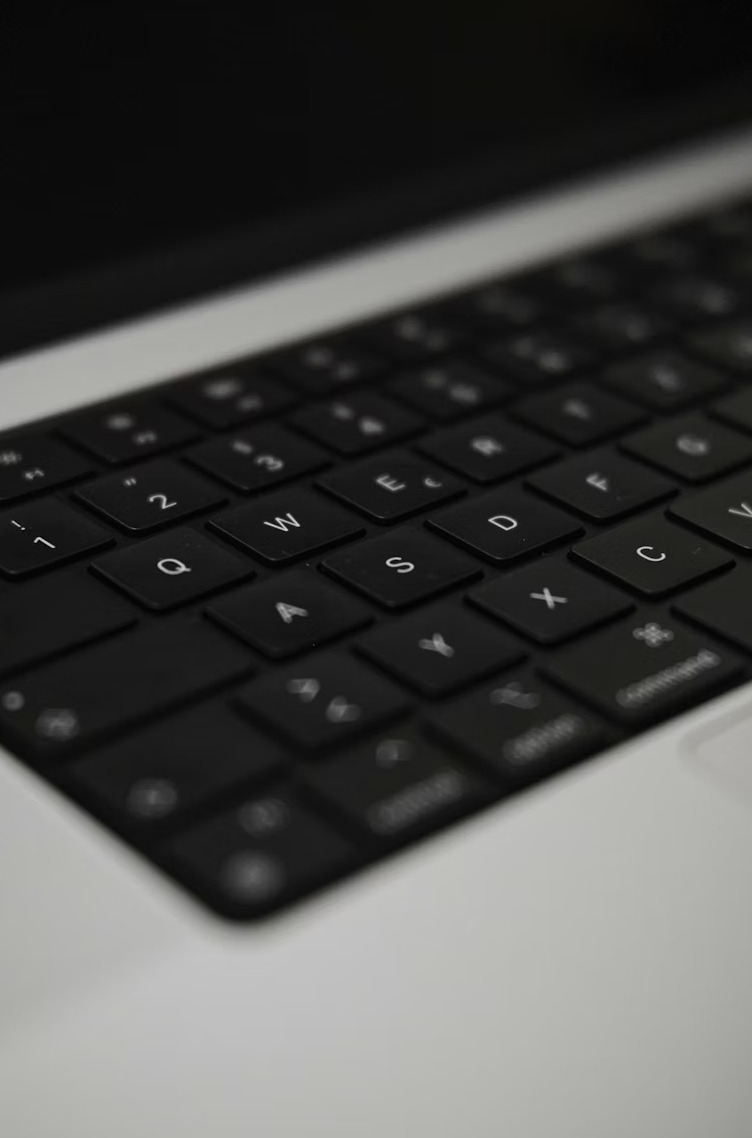
If you have used an iPhone, an iPad, or a Mac at any point in the last decade, you have been reading SF Pro without knowing its name. It is the typeface behind every menu, every notification, every system dialog across the entire Apple ecosystem. It is also one of the most technically sophisticated typefaces ever deployed at consumer scale — and almost nobody talks about what makes it actually work.
Apple shipped San Francisco in 2015, replacing Helvetica Neue as the system font across iOS and macOS. The decision was not aesthetic. Helvetica Neue was designed in the 1950s for print, at medium sizes, on paper. When Apple started shipping Retina displays and Apple Watch — where text had to read clearly at six points on a wrist — Helvetica simply stopped performing. The apertures closed up. The letterforms blurred together. The font looked like a font, which is the last thing a system font should do.
Not One Font, But a System
SF Pro is not a single typeface. It is a family of platform-specific variants, each tuned for a different context.
SF Pro covers macOS, iOS, and iPadOS. Within SF Pro, there are two sub-variants: SF Pro Display and SF Pro Text. At 20 points and above, the system automatically switches to Display — tighter letter spacing, thinner strokes, more refined details that reward the viewer's eye at large sizes. Below 20 points, it switches to Text — wider spacing, heavier strokes, larger apertures that compensate for the reduced legibility that comes with smaller rendering.
This automatic optical sizing is the feature that most distinguishes SF Pro from Helvetica and from most other system fonts. The decision about which variant to use happens at the system level, invisibly, on every text element across every interface. The user never notices — which is precisely the point.
SF Compact solves a different problem. On the Apple Watch, the letterforms of SF Pro — designed for larger screens — were slightly too wide. SF Compact flattens the sides of round characters: the 'o', the 'c', the 'e'. It is a subtle change, almost imperceptible at display size, but it recovers horizontal space on a tiny screen without sacrificing legibility.
SF Mono handles code. It is a monospaced variant with the same design DNA as SF Pro — the same aperture decisions, the same weight range — but with each character occupying the same horizontal width. Xcode and Terminal use it. It competes with JetBrains Mono and Fira Code but feels native to the Apple environment in a way that outside fonts never quite achieve.
The Variable Font Architecture
SF Pro is available as a variable font. This is not incidental. A variable font exposes its design space as a continuous spectrum of axes rather than as a set of fixed instances, and SF Pro exposes three primary axes.
The Weight axis (wght) allows smooth interpolation from Ultralight to Black. This is standard for variable fonts, but Apple has extended the range and precision beyond what earlier versions offered.
The Optical Size axis (opsz) runs from 9pt to 144pt, with distinct design masters at 9, 11, 17, 28, 52, and 144. At 9 points, the font looks genuinely different from how it looks at 72 — wider apertures, heavier stroke weight relative to cap height, more open forms. These adjustments happen automatically when the axis is linked to the text size property. This is typographic sophistication that was previously found only in high-end print design, applied to every screen in the Apple ecosystem.
The Grade axis (GRAD) is the least obvious and arguably the most interesting. It allows weight adjustment without changing the width of letterforms. In dark mode, text on a light background appears visually heavier than the same text on a dark background — a phenomenon called irradiation. The Grade axis lets the system compensate for this difference without disrupting layout. A line of text stays exactly the same width in light mode and dark mode; only the apparent weight shifts. It is a detail that nobody notices consciously and that many designers have spent years trying to handle manually.
The License Problem
SF Pro is available as a free download from Apple's developer website. The license is highly restrictive. You can use it to design mockups and interfaces for iOS and macOS applications. You cannot use it on your personal website, in a commercial logo, or in any interface outside Apple's ecosystem.
This is not unusual for a platform system font, but it creates a practical problem for web designers who want their product to feel native to Apple devices. The conventional solution is the CSS property font-family: -apple-system, BlinkMacSystemFont, ... — which instructs the browser to use whatever system font is native to the device. On a Mac or iPhone, that resolves to SF Pro. On Windows, it resolves to Segoe UI. The designer never specifies SF Pro directly; the operating system handles the substitution.
The result is that many products look like they are using SF Pro without technically using it — which is both legally clean and typographically coherent, since the system font is always well-rendered on its native platform.
Why It Matters for Fontmatrix Users
On Linux, you will not find SF Pro in your system fonts. The license prohibits it, and no distribution ships it by default. What you will find are the free alternatives that have learned from its approach: Inter, with its optical sizing and open apertures; variable fonts with opsz axes; the growing collection of screen-optimized typefaces that represent the field's accumulated understanding of what screen legibility actually requires.
SF Pro matters to the Fontmatrix community not as a font to install, but as a benchmark. It represents what a carefully engineered screen typeface looks like when budget, talent, and institutional priority align behind the same goal. Everything else in the genre is either building toward what SF Pro achieved or finding different answers to the same questions.